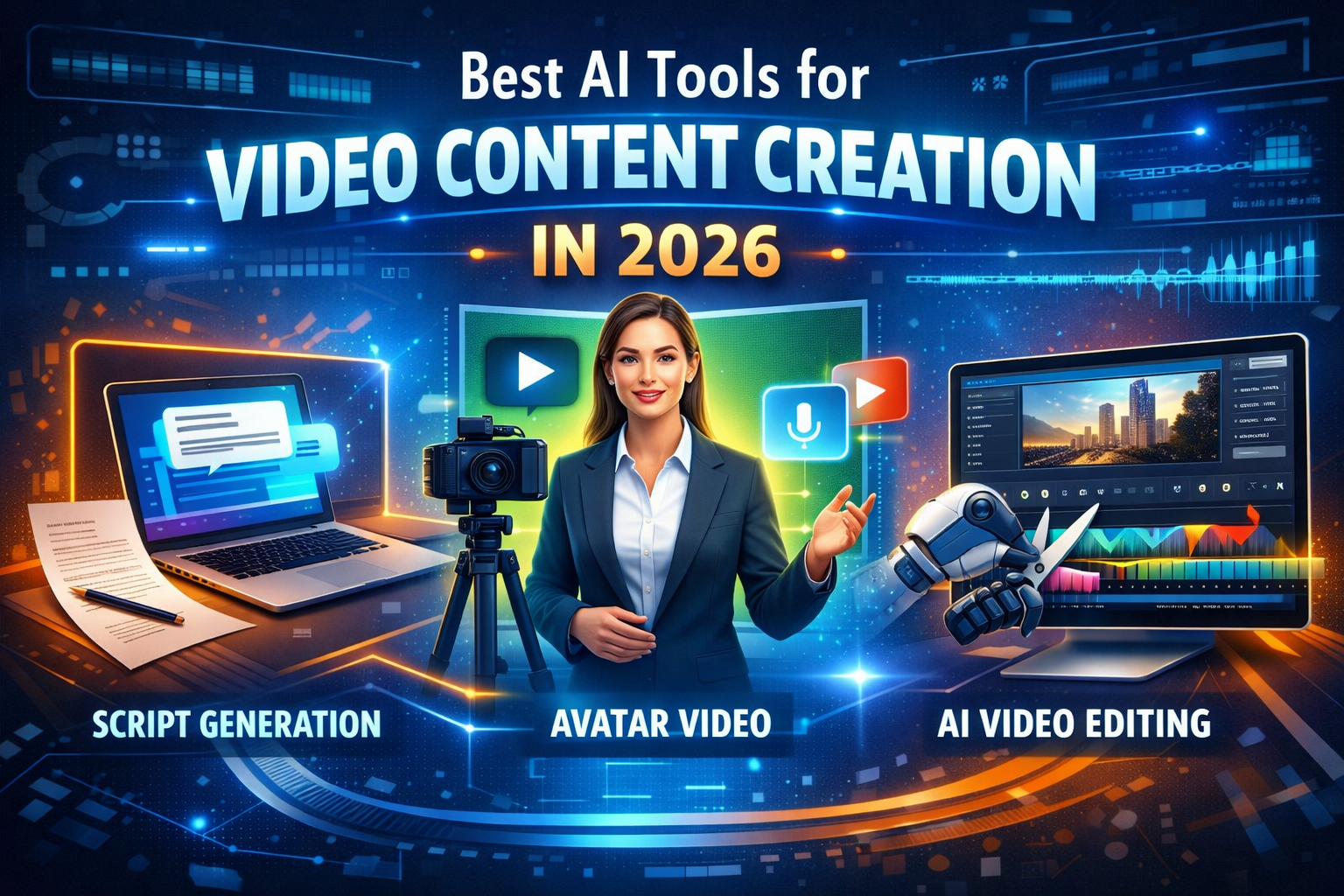
Video content creation is no longer one workflow.
In 2026, most creators and small teams are not looking for “one AI video tool.” They are usually trying to solve one of three specific problems:
- Generate a script faster
- Turn that script into a talking-head or avatar video
- Edit or assemble a simple video without a full production setup
That is why this page is not just another “best AI video generators” list. It is a selection hub for the actual video content workflow.
If you want the short version, here it is:
- Choose AI script tools when your bottleneck is ideas, outlines, hooks, or YouTube scripting.
- Choose avatar video tools when you want presenter-style videos without filming yourself.
- Choose simple AI video editors/generators when you need to turn prompts, scripts, clips, and stock assets into publishable videos quickly.
Tools like Synthesia, HeyGen, and D-ID are built around avatar-led video creation, while InVideo is positioned more around fast AI-assisted video generation and lightweight editing from prompts or scripts.
Quick Answer
The best AI tools for video content creation in 2026 depend on the stage of the workflow:
- For script generation: use AI writing tools that help with hooks, structure, and YouTube-ready scripting.
- For avatar videos: Synthesia, HeyGen, and D-ID are the main tools to compare.
- For simple editing and assembly: InVideo is one of the strongest options for turning prompts or scripts into fast publishable videos.
This hub brings those choices together so you can pick the right tool based on your workflow, not just based on hype.
Who This Hub Is For
This page is for you if:
- You run a YouTube channel, faceless channel, or short-form content workflow
- You create marketing videos, explainer videos, or educational content
- You want to speed up content production without building a full editing stack
- You are comparing script tools vs avatar tools vs AI video generators
This page is not for you if:
- You need advanced cinematic editing with full manual control
- You already use a pro editing workflow and only want a traditional editor
- You are looking for one tool to do everything perfectly
Most creators still need a stack, not a miracle.
The 3 Main Categories in the Video Content Workflow
1. Script Generation
This is where many content workflows actually begin.
A lot of people search for “best AI video generators,” but their real problem is earlier: they do not yet have a strong script, structure, or hook. If the script is weak, the final video usually feels weak no matter how polished the visuals are.
AI script tools are best for:
- YouTube video ideas
- title and hook generation
- talking points and outlines
- first-draft scripts
- script rewrites for different tones or audience levels
For your site, this cluster should point users into your script-focused content first, then bring them back to the video workflow.
Recommended related articles:
Why this matters
Script tools do not replace video generators. They improve the input quality before the video stage.
That is exactly why this category belongs inside the hub: it captures users who are not yet ready to choose a video platform, but are already inside the content creation funnel.
2. Avatar Video Tools
This is the clearest category for users who want presenter-style videos without cameras, actors, or studio production.
Synthesia positions itself as an AI video platform for business and offers AI avatars, voiceovers in 160+ languages, deck/PDF/webpage-to-video workflows, and branded video creation.
HeyGen focuses on lifelike avatars, text/image/audio-based generation, voice cloning, and enterprise-friendly features such as API access, bulk video generation, and brand controls.
D-ID centers on avatar-driven video and interactive digital humans, with positioning that spans marketing, training, communications, and more conversational or agent-like use cases.
Best for
- training videos
- internal communication videos
- sales or onboarding videos
- educational presenter videos
- faceless channels that still want an on-screen “speaker”
Who should choose avatar tools
Choose this category if your content needs a speaker presence.
That is the key distinction.
If your goal is “I want a person-like presenter on screen,” then avatar tools are usually a better fit than generic AI video generators.
Recommended related articles:
Practical selection rule
- Pick Synthesia if you want a more structured, business-oriented video workflow.
- Pick HeyGen if you want flexible avatar-led content with strong creator and marketing appeal.
- Pick D-ID if you are more interested in expressive digital humans or conversational-avatar directions.
This is an editorial judgment based on how these platforms currently position their products and core features.
3. Simple AI Editing and Video Assembly
This category is for people who do not need a digital presenter. They need speed.
InVideo is one of the clearest fits here because it emphasizes turning text prompts into videos, automatically adding scripts, clips, subtitles, music, transitions, and lightweight editing through text commands. It also has positioning around YouTube video creation and online editing workflows.
Best for
- social videos
- YouTube B-roll style content
- promo clips
- quick explainer videos
- creators who want fast output without learning a full editor
Who should choose simple AI video tools
Choose this category if your goal is:
- “turn my idea into a usable draft fast”
- “make a publishable video without complex editing”
- “assemble voice, visuals, captions, and stock footage quickly”
Recommended related articles:
How to Choose the Right AI Video Tool
Here is the simplest path:
Choose a script tool if…
- your biggest problem is starting
- you need better hooks, structure, or topic angles
- you publish on YouTube and script quality matters more than visuals right now
Choose an avatar video tool if…
- you want a human presenter without filming yourself
- you create training, sales, education, or explainer content
- your brand benefits from consistent on-screen delivery
Choose a simple AI video generator/editor if…
- you want speed over perfection
- you mainly create marketing clips, YouTube support content, or short videos
- you need to go from prompt to draft quickly
Recommended Tool Path by Use Case
For YouTube Creators
Start with script generation, then move to either avatar video or simple editing depending on your channel style.
Best path:
Script tool → InVideo or avatar tool
For Faceless Content Channels
If the channel does not need your real face, you can choose between:
- avatar-led faceless presenter
- B-roll / stock-footage-driven video assembly
Best path:
Script tool → HeyGen / Synthesia / InVideo
For Business and Training Videos
If clarity, consistency, localization, and branded delivery matter most, avatar platforms are usually the better fit. Synthesia and HeyGen both emphasize multilingual or enterprise-ready workflows, while D-ID also leans into digital human communication.
Best path:
Script draft → avatar tool
What This Hub Connects
This page should act as the main internal entry point for your video tool cluster.
Script cluster
- Best AI Script Generator for YouTube
- Best AI Script Generators for YouTube (2026 Tested Guide)
Avatar comparison cluster
Video generator / editing cluster
That structure is important because right now your video line is useful, but scattered. This hub gives it a clear commercial logic:
script → video format choice → tool comparison → conversion page
Final Verdict
The best AI tools for video content creation in 2026 do not belong in one bucket.
They fall into three clear jobs:
- script generation
- avatar-led video creation
- simple AI editing / video assembly
If you understand that split, your tool choice becomes much easier.
For most users:
- start with script tools if ideation is the bottleneck
- choose Synthesia / HeyGen / D-ID if you want a presenter-style video workflow
- choose InVideo if you want fast, prompt-driven video production and lightweight editing
This is exactly why this hub matters: it turns a scattered “AI video tools” topic into a usable decision path.